

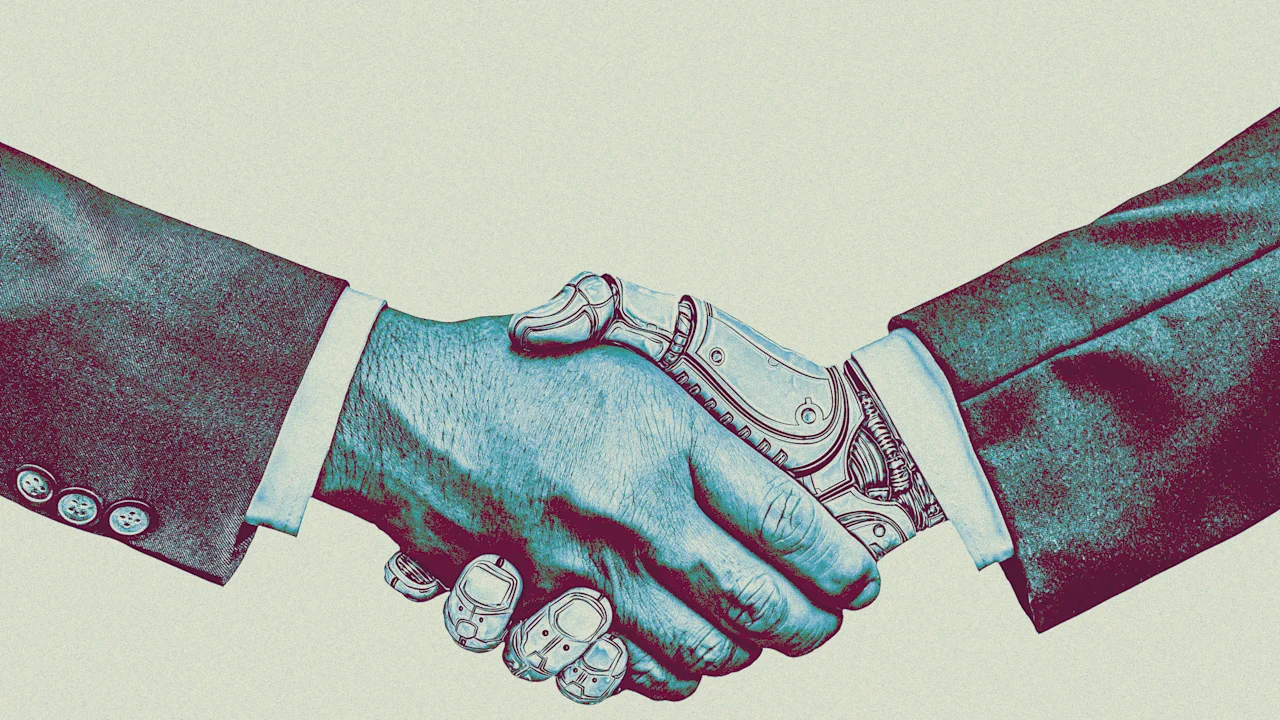
AI can knock out an impressive amount of tedious, everyday busywork. It can take on creative tasks, too. But the fundamental question remains: should it?
As AI use within organizations reaches new heights, companies are also recognizing its limitations—and, in some cases, pulling back. Consider Duolingo, the language-learning company that announced it would gradually eliminate freelance writers and translators, replacing them with AI-generated content. After public backlash and user reports that the AI-produced lessons felt formulaic and lacked cultural nuance, Duolingo clarified its position.
“I do not see AI as replacing what our employees do . . . I see it as a tool to accelerate what we do, at the same or better level of quality,” wrote CEO Luis von Ahn.
The takeaway: blindly delegating to AI, simply because it can execute a task, can be just as risky as resisting it outright. As the CEO of an automation-first company, I’ve discovered that employees must develop their judgment, learning when AI can accelerate progress and when human insight must lead.
Here’s how leaders can help cultivate that judgment within their teams.
Keep accountability human, even when AI helps
If cumulative wisdom has revealed anything so far, it’s that AI use goes awry when it takes place in the shadows. Employees can end up delegating too much to AI, including tasks that still require human input, like creativity, empathy, and subjective, unquantifiable judgment calls.
That’s why every company today needs an explicit AI policy that’s transparent and accessible for all employees. A filed-away tome of instructions just won’t cut it.
Some leaders outline their company policy in an executive memo. For example, Shopify CEO Tobi Lütke used a concise internal memo to sum up the company’s AI-first approach:
“Before asking for more headcount and resources, teams must demonstrate why they cannot get what they want done using AI.”
At Jotform, we complement periodic memos with chats and presentations during our weekly all-hands meetings. Together with our managers, we review AI updates, approved tools, and examples of how to use AI properly—sharing occasional mishaps as well.
Whether it’s in a meeting, a memo, or a virtual discussion board, leaders must define clear boundaries for where AI informs decisions versus where humans decide.
Combine policy with real-world trial & error
Creating formal and informal AI policies is only half the equation. The other half is seeing how those policies actually play out in practice.
Leaders are tasked with training teams to continually assess AI’s strengths and limitations within a company’s real workflows. When weaknesses emerge, it’s time to rethink the approach. For example, many organizations have used AI to make hiring more efficient. At first glance, the results were promising: companies could interview more candidates and identify top talent faster. But hiring teams also ran into challenges, including built-in biases and the unintended exclusion of highly qualified candidates due to rigid screening criteria. As a result, companies have had to recalibrate their AI use and assign more responsibility to employees.
Across all business areas, evaluating AI’s strengths and weaknesses should be an ongoing dialogue between employees and managers. Employees should be encouraged to experiment with new tools and share their experiences. Leaders should schedule regular check-ins to ensure that inappropriate or ineffective use doesn’t go unchecked.
Make AI assessment a continuous conversation
When teams integrate AI tools into their workflows, one of the risks is that responsibility becomes diffused. Accountability falls through the cracks. For instance, if an AI-powered chatbot provides a customer with outdated information, who is to blame? Or more importantly, who’s tasked with ensuring that it doesn’t happen again? It’s not always obvious. And blaming the AI does nothing but prevent any course-correction.
Deliberate and shared accountability, on the other hand, prevents teams from entirely outsourcing ownership along with tasks. At Jotform, each team designates a human “owner” for AI-assisted outputs. While that person is responsible for making sure a task is executed properly, the entire team remains engaged in reviewing and refining the output.
Another possible safeguard is to add an AI review step in project checklists, requiring verification of facts and sources. If it’s a particularly high-stakes task or project, two human checkers isn’t a bad idea.
Shared accountability helps to ensure that outcomes remain a team responsibility, not AI’s. In the words of Alphabet CEO Sundar Pichai, people should not blindly trust AI. AI is a tool to augment human judgment, not a substitute for it, and teams must stay vigilant and accountable for the decisions AI helps produce.
